Web apps have become increasingly popular over the last few years, leading Mozilla, the company behind Firefox, to launch the Firefox OS. It was a mobile platform built solely on the promise of web apps. That didn’t take off for several reasons but Chrome OS, Google’s similar take for laptops, did. Web apps have a few advantages over native apps. You don’t have to “install” them, for one. They’re almost as fast as native apps these days but less resource-hungry. They also have a few disadvantages, such as no real integration with your desktop. But on Linux, you can easily convert web apps into desktop apps.
Peppermint OS, a lightweight Linux distribution, heavily uses “Site Specific Browsers” or SSBs. Many web apps offer enough functionality to be native apps but lack integration with the desktop. These SSBs provide that for web apps, allowing them to run outside a browser. The developers of the lightweight Linux distro have even created an app called Ice. It will enable users of Peppermint OS to convert web apps into native desktop apps. This works as long as you have Chrome, Chromium, Firefox, or Vivaldi installed on your system.
The Ubuntu distribution includes several SSBs by default, including some popular applications such as Google Drive and games such as Entanglement. There is no need to install Peppermint OS to get Ice and other web apps.
Peppermint OS is based on Ubuntu, so most apps are readily available to install on any version or flavor of Ubuntu. Although you’ll probably not find Ice in the Ubuntu repositories, and thus neither the Software Center. The program is available as a Debian package you can download and install.
See also: Here’s an Animated Wallpaper App for Ubuntu
Install Ice
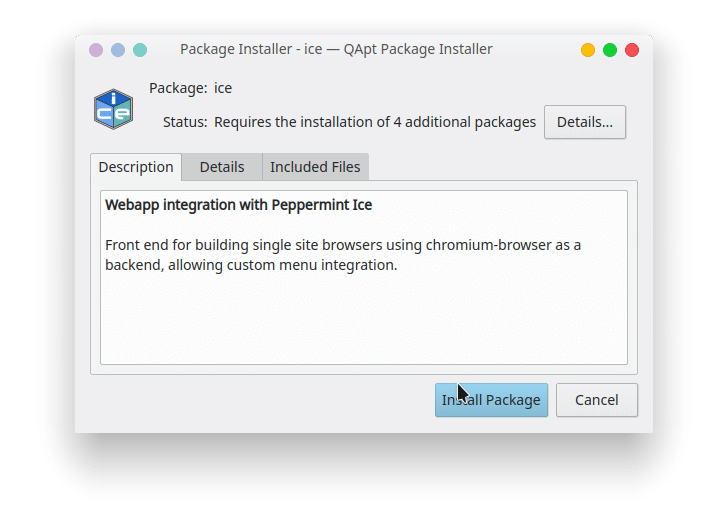 Once you have the Debian package, all you have to do is double-click on it and your default package installer will open up allowing you to install the app. For most Ubuntu users, this will be the Software Center itself, but it can be different for those using other Desktop environments.
For instance, KDE users will have the QApt Package Installer, as shown above. Click Install on the package installer, enter your password, and the program will be installed. If you prefer the command line to install it, you can use it too. Open a Terminal in the location of the downloaded Debian package and run the following command.
sudo dpkg -i ice_5.0.1_all.deb
Convert web apps into desktop apps
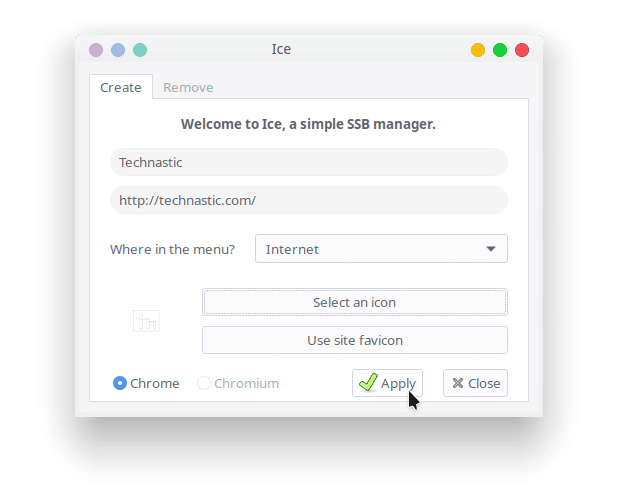 Once you have Ice installed, launch it from your app launcher or center Ice into a terminal. This will open a small window, where you can enter the name of the app, and the url, which can be of any website you love to use, not necessarily a web app.
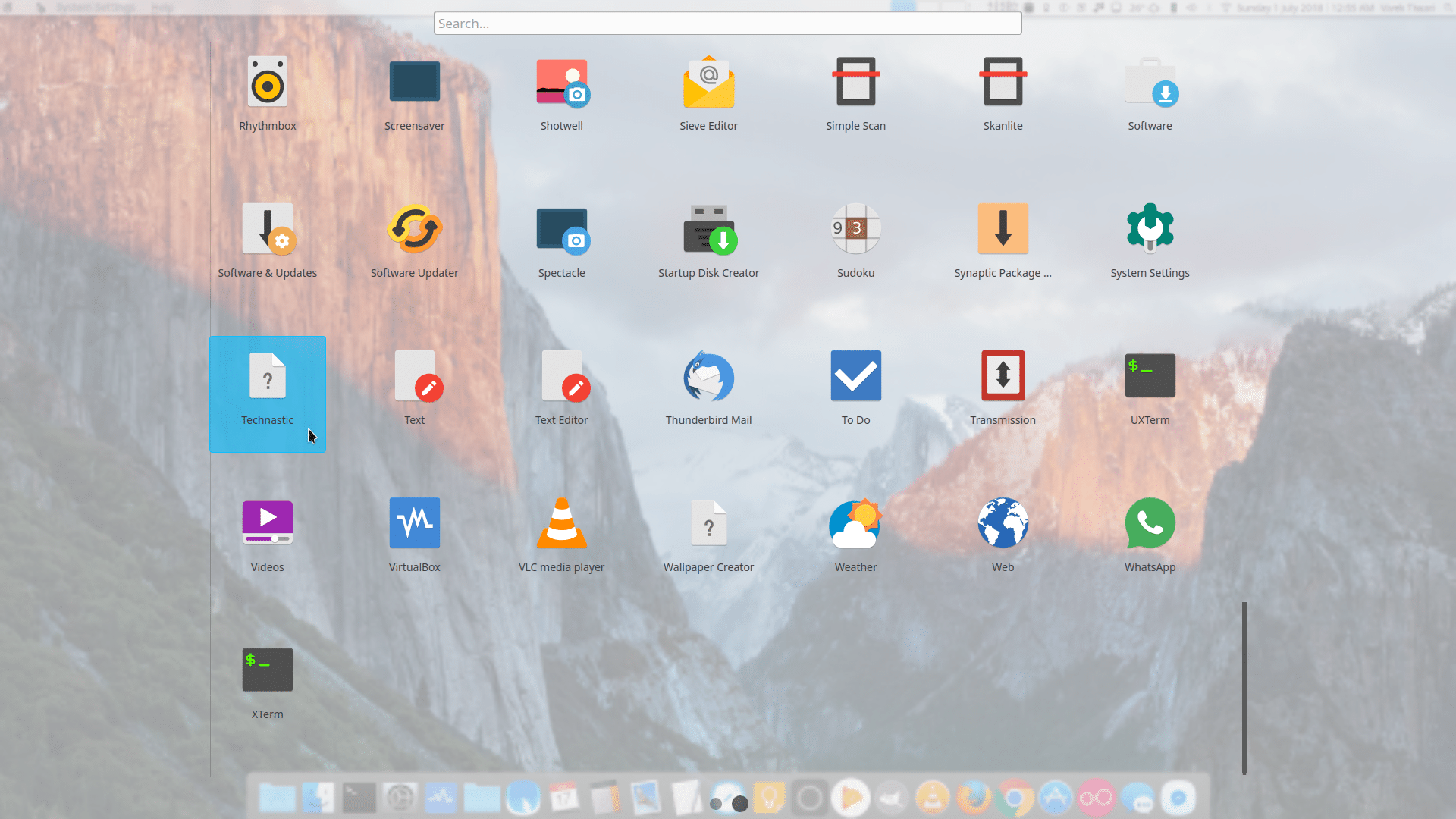
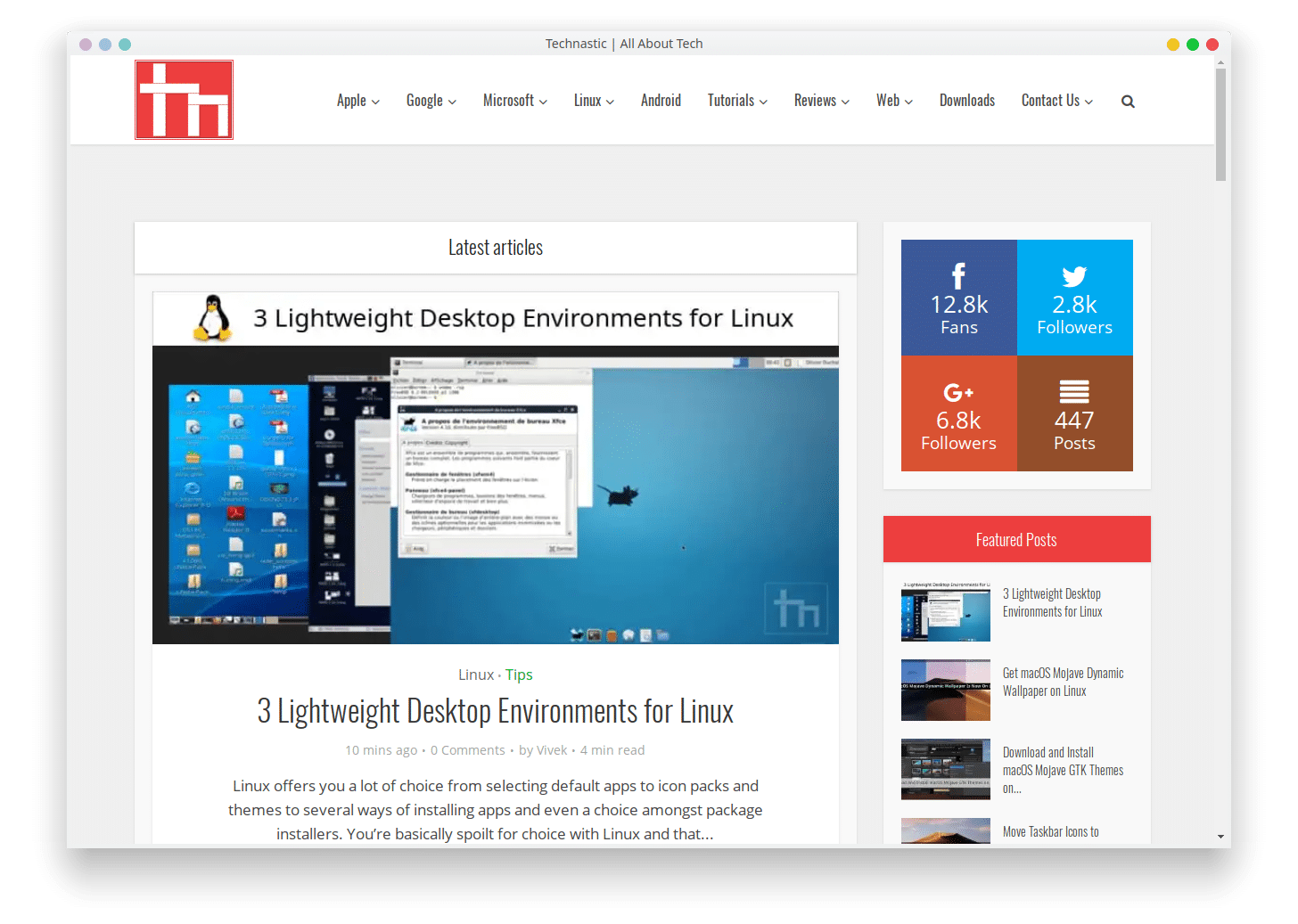
Let’s say you wanted to make this website an app on your desktop because you love tutorials. Simply, enter a name in the first text field and the website URL in the second. Select where you want the app to appear in the app menus. You can select an icon by clicking the Select an icon button but it’s unnecessary. When you click Apply, the app will appear in your Linux app menu or drawer.
Uninstall web apps
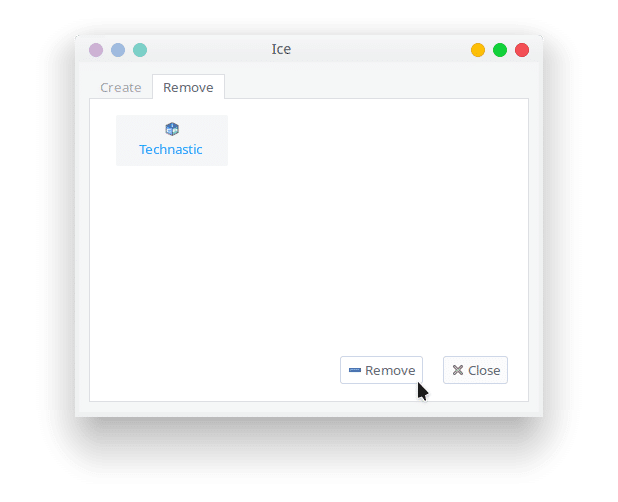 It may seem like a native desktop app but it isn’t. so you can’t uninstall it via the traditional ways. In case you don’t like a web app anymore, or whatever reason you have or do not have to uninstall a web app, you can do so from Ice too. Launch Ice, and head to the Remove tab inside the app. Here, you can see all the web apps you currently have installed. Select the one you wish to remove and click the Remove button. It will be removed just as quickly as it was installed.
Download
Ice from Peppermint OS | Google Drive mirror
You may also like: 3 Lightweight Desktop Environments for Linux