The Samsung Galaxy S26 series is here, and this year, Samsung has focused on refinement, performance efficiency, and smarter AI features rather than dramatic redesigns. The lineup includes three models: Galaxy S26, Galaxy S26+, and Galaxy S26 Ultra. Thankfully, if you don’t plan to get this new phone, you can at least give your old phone a makeover with the all-new static and live wallpapers of the Galaxy S26 Series. Moreover, we have the audio files, including ringtones, notifications, and UI tones, from the Galaxy S26 Ultra.
If you’re looking to download the official stock wallpapers, ringtones, and system audio files, this article will also help you understand the specifications of the S26 Series through a quick specs table.
Galaxy S26 Series – Specifications Comparison
| Feature | Galaxy S26 | Galaxy S26+ | Galaxy S26 Ultra |
|---|---|---|---|
| Display | 6.2″ AMOLED, 120Hz | 6.7″ AMOLED, 120Hz | 6.8″ LTPO AMOLED, 120Hz |
| Resolution | FHD+ | FHD+ / QHD+ | QHD+ |
| Processor | Latest Flagship Chip | Latest Flagship Chip | Latest Flagship Chip |
| RAM | 8GB / 12GB | 12GB | 12GB / 16GB |
| Storage | 128GB / 256GB | 256GB / 512GB | 256GB / 512GB / 1TB |
| Main Camera | 50MP | 50MP | 200MP |
| Telephoto | 3x Zoom | 3x Zoom | 5x + 10x Periscope |
| Front Camera | 12MP | 12MP | 12MP |
| Battery | ~4000 mAh | ~4800 mAh | ~5200 mAh |
| Charging | Fast + Wireless | Fast + Wireless | Faster Charging + Wireless |
| S Pen | No | No | Yes |
Note: Specifications may vary by region.</em>
Galaxy S26 Stock Wallpapers
We already shared the leaked wallpapers from the phone back in December. The Galaxy S26 stock wallpapers follow a clean and modern design language. Samsung has used soft gradients, fluid abstract curves, and deep AMOLED-friendly blacks.
- 4K resolution wallpapers
- Abstract flowing shapes
- Soft metallic highlights (Ultra variants)
- Balanced vibrant color palette
- Optimized for the lock screen and home screen
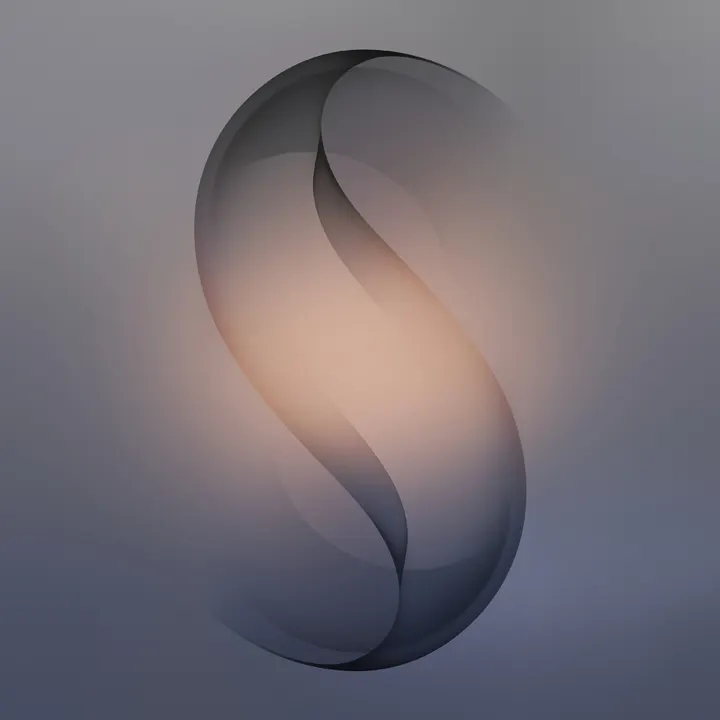
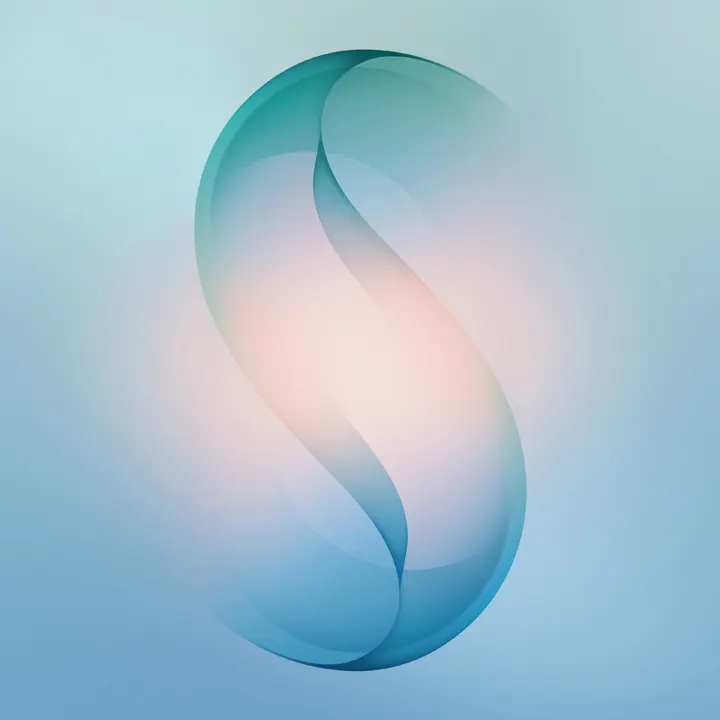
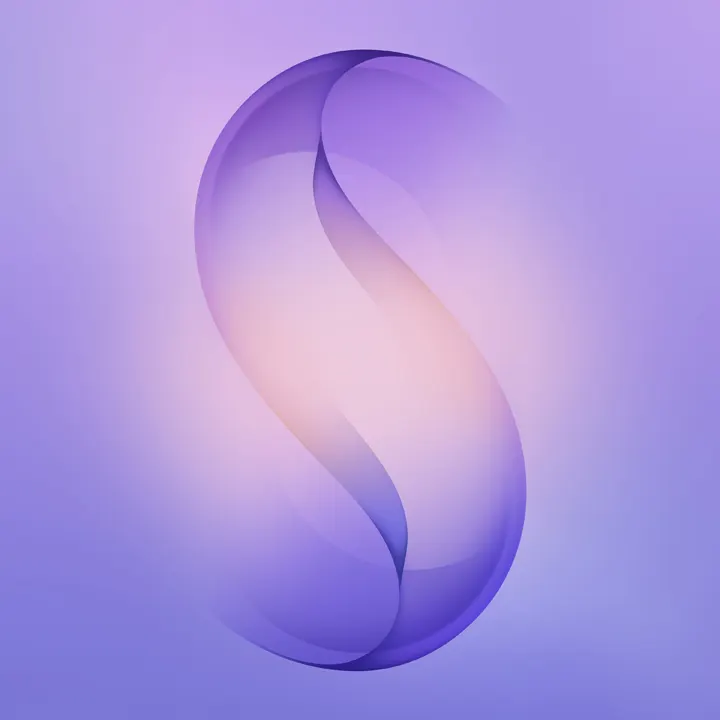
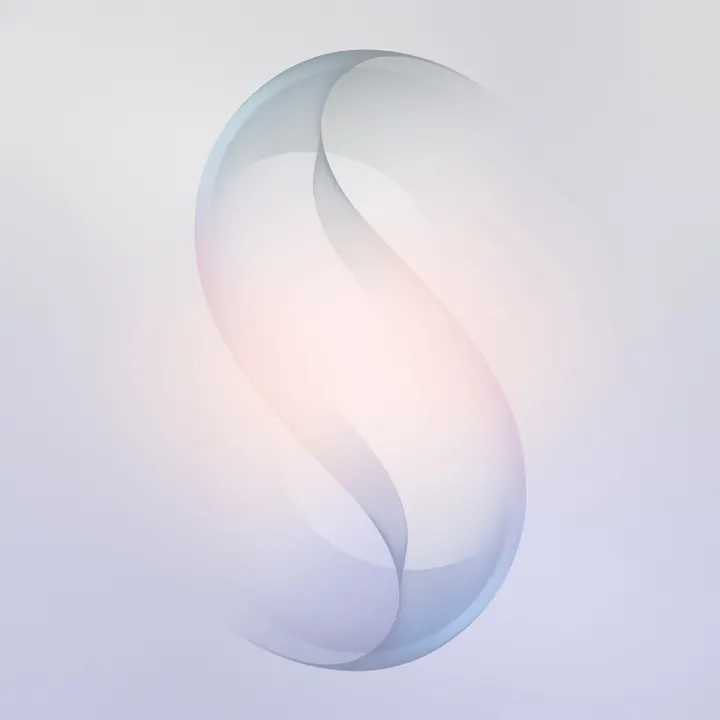
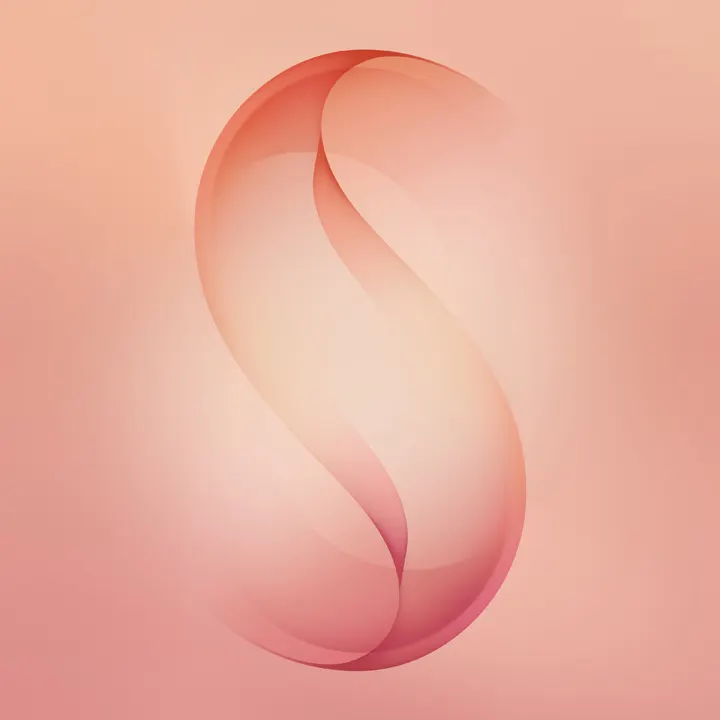
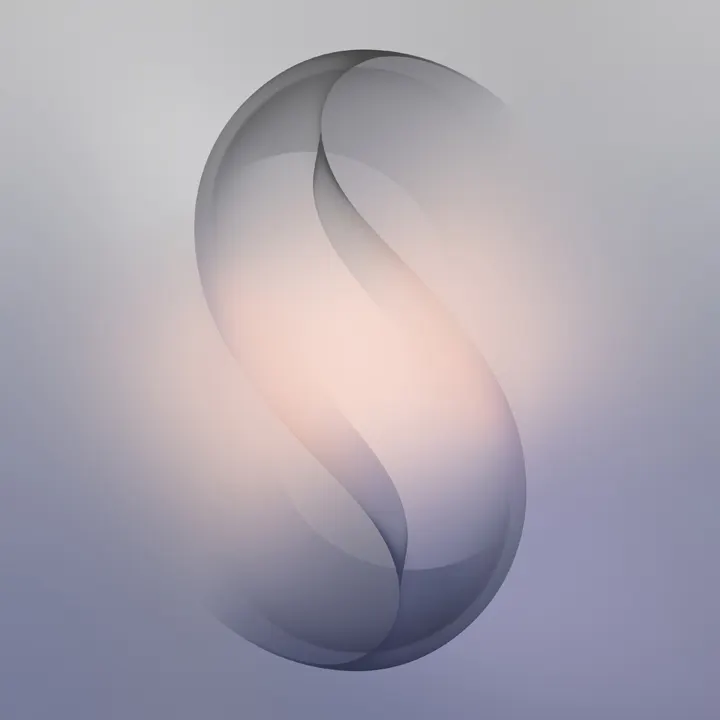
The Ultra wallpapers lean toward darker tones with premium depth effects, while the S26 and S26+ variants feature brighter gradient combinations.
Download Galaxy S26 Static Wallpapers: Google Drive | Telegram
Samsung Galaxy S26 Live Wallpapers
The Samsung Galaxy S26 series also brings six beautifully designed live wallpapers that perfectly match the device’s premium design language. Unlike static wallpapers, these live wallpapers feature subtle motion effects, soft flowing gradients, and depth animations that respond gently to touch and screen movement. The animations are smooth and minimal — not flashy — making them ideal for everyday use. Each live wallpaper has a unique color theme ranging from deep cosmic tones to soft pastel blends, giving your home screen a dynamic yet elegant look.
Download Galaxy S26 Live Wallpapers: Google Drive | Telegram
Using Galaxy S26 Live Wallpapers
- Download the MP4 live wallpaper file.
- Open your phone’s Gallery app.
- Tap on the three-dot menu and select Set as Wallpaper.
- Adjust the preview and apply it.
Enjoy the premium Galaxy S26 live wallpaper experience on your device and give your home screen a fresh new look.
Ringtones, Notification & System Sounds
Samsung has refreshed its audio experience this year.
- Updated “Over the Horizon 2026” ringtone composition
- Softer notification sounds
- Minimal and clean alarm tones
- Refined UI interaction sounds
The sound profile is calmer and less harsh, designed for everyday comfort.
Download Samsung Galaxy S26 Audio Files: Google Drive
The Samsung Galaxy S26 series is about smart improvements rather than dramatic change. With enhanced AI features, improved camera processing, brighter displays, and refined design, the lineup continues Samsung’s flagship legacy.