Looking for the new ColorOS 17 wallpapers for your Android phone? We have collected 10 wallpapers inspired by the latest ColorOS 17 software experience. The collection combines vibrant abstract designs with colorful lifestyle and nature photography.
All wallpapers in this collection are available in 1080 × 2400 pixels, making them suitable for smartphones with Full HD+ displays and other devices using a similar aspect ratio.
ColorOS 17 is based on Android 17 and introduces a redesigned visual experience with OPPO’s new Fluid Design, smoother animations, performance improvements, expanded AI features, and enhanced connectivity across supported devices.
ColorOS 17 Wallpapers – Highlights
This collection includes 10 wallpapers with a mixture of abstract and photographic designs. The first six wallpapers use colorful gradients, geometric forms, glowing shapes, and layered compositions that complement the visual style of ColorOS.
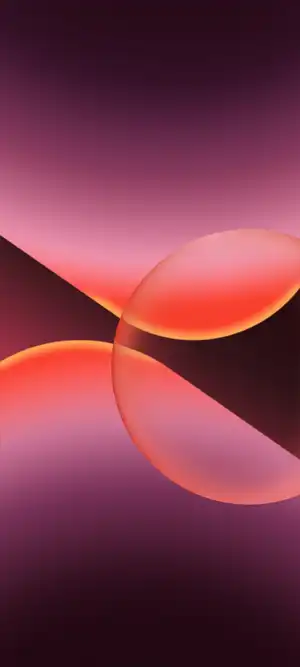
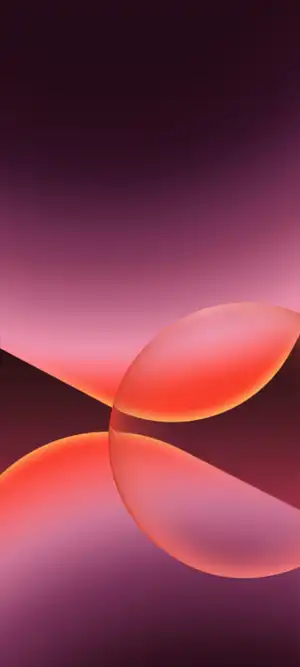
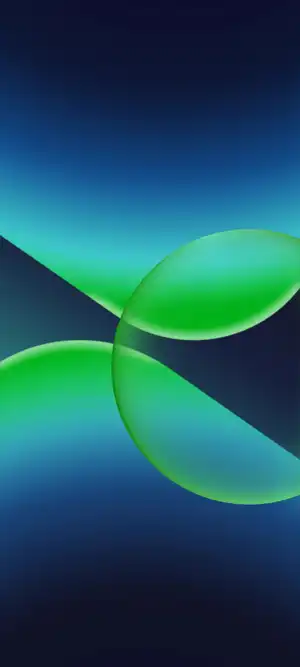
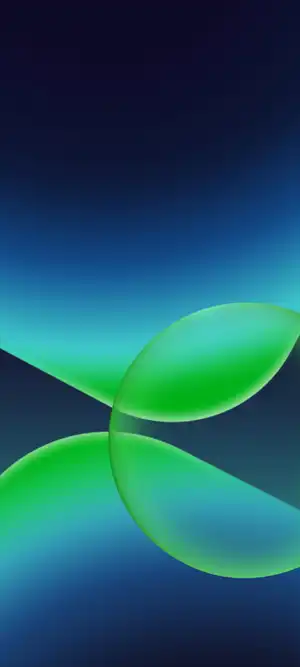
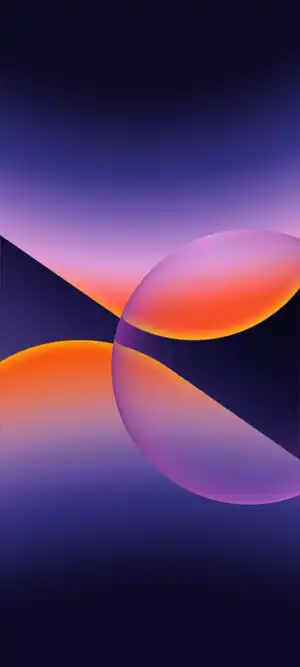
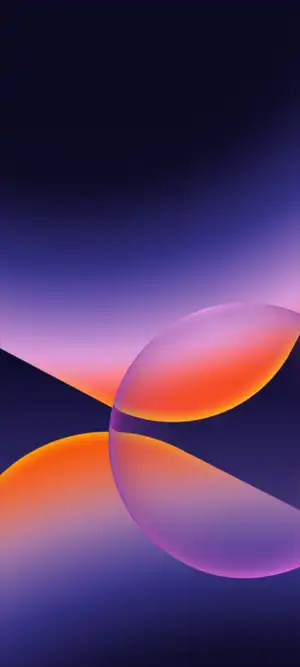




The remaining wallpapers feature more natural and lifestyle-oriented imagery, including a cat on grass, a woman playing guitar, a cyclist, and a scenic mountain landscape.
- Total wallpapers: 10
- Resolution: 1080 × 2400 pixels
- Aspect ratio: 20:9
- Format: JPG
- Suitable for: Android smartphones
New Features in ColorOS 17
ColorOS 17, based on Android 17, introduces a refreshed Fluid Design with smoother animations, transitions, and system interactions. OPPO also adds new Aurora, Polar Light, and Tidal Engines to improve rendering, resource management, app stability, and overall performance.
The update brings several new AI capabilities, including an AI Photo Editor for object removal and image enhancement, AI Memory Gallery for organizing photos and creating story-style albums, and improved AI Notes for summarizing and organizing information.
ColorOS 17 also expands Car+ connectivity, third-party camera and NAS integration, and smartwatch support, while adding more AI-powered productivity tools. Feature availability may vary by device, region, and language.
Download ColorOS 17 Wallpapers
All 10 wallpapers are available in their original 1080 × 2400 pixel resolution. You can download the complete wallpaper pack and apply any of the designs to your Android smartphone.
Resolution: 1080 × 2400 pixels
Number of wallpapers: 10
Format: JPG
Download: Google Drive | Telegram Channel
How to Set a Wallpaper on Android
- Download your preferred ColorOS 17 wallpaper.
- Open the image in your Gallery or Photos app.
- Tap the three-dot menu or the wallpaper option.
- Select Set as wallpaper.
- Choose whether you want it on the Home screen, Lock screen, or both.
- Adjust the crop or position if required, and apply the wallpaper.
Download These Too